Mobilizing Enterprise Intelligence for Amazon QuickSight
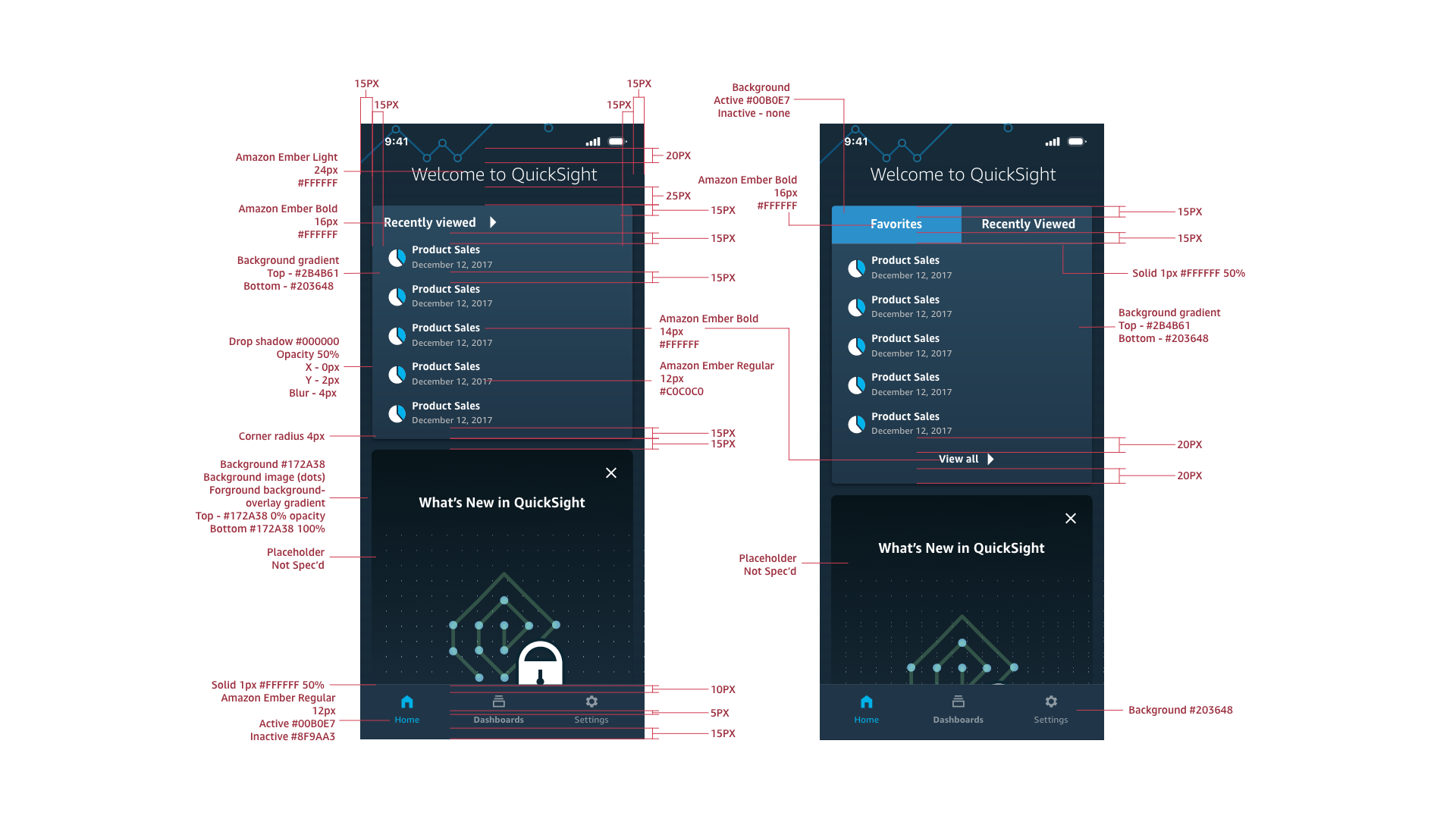
The Strategy: 80% Brand, 20% Native, translating the density of Amazon QuickSight’s desktop analytics to mobile required a disciplined framework. I established an 80/20 Design Governance model to balance brand consistency with platform usability:
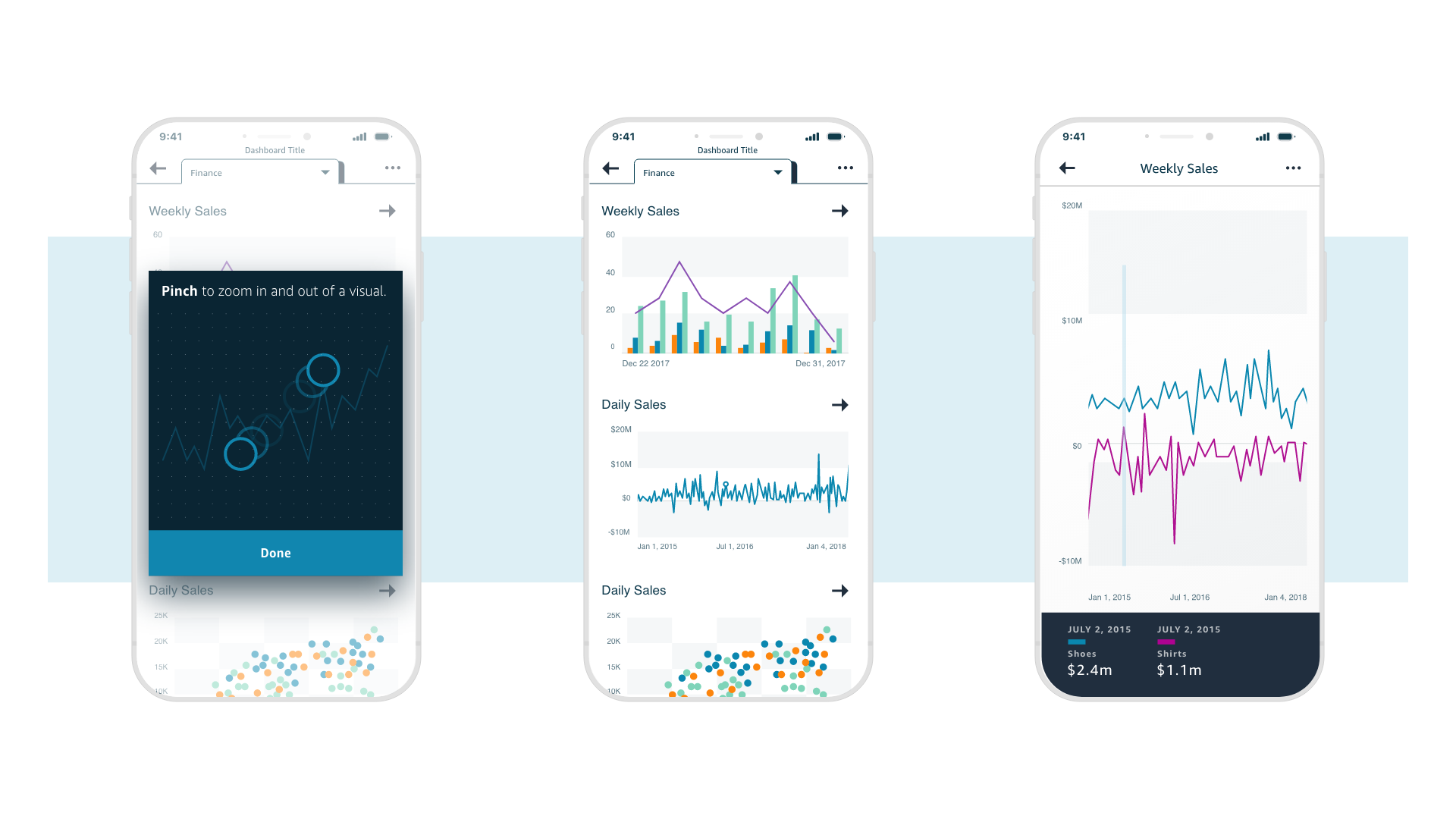
80% Brand & Viz: We prioritized a custom, high-fidelity UI to ensure seamless visual consistency with the desktop analytics platform. This required bespoke components for data visualization and dashboards to maintain the "QuickSight" identity across all devices.
20% Native Patterns: We strategically leveraged native OS interaction models (iOS Human Interface & Material Design) only for core navigation and menus. This ensured the app felt responsive and familiar without compromising the unique visual language of the product.
Phase 1: Discovery & Technical Strategy
The Challenge: Scaling for Parity
The driver for this rebuild wasn't just a UI refresh; it was an infrastructure necessity. The desktop platform was evolving rapidly, and the legacy mobile app’s architecture could not scale to match that velocity. We needed a new foundation that could handle the increasing complexity of the data without breaking.
The Hybrid Architecture (Native + Webview)
We aimed for a native-first feel, but the technical reality required a hybrid approach. While the navigation, home screen, and settings could leverage the speed of native iOS/Android code, the complexity of the interactive charts required the flexibility of a Webview.
Designing the "Invisible Seam"
My primary design challenge was to make this technology stack invisible to the user.
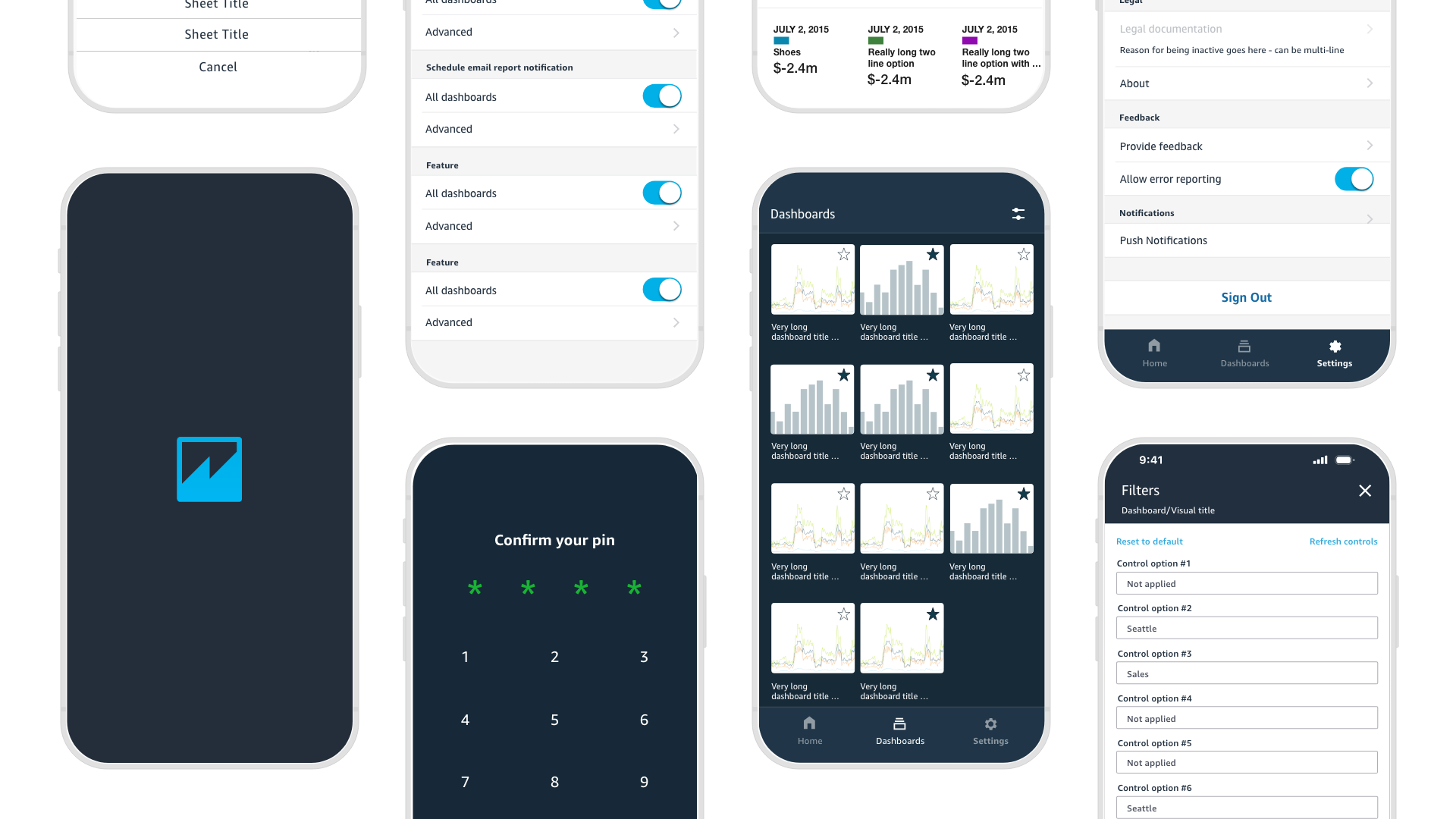
The Shell: We built the "container" (Menus, Navigation, Settings) using native OS components to ensure the app felt responsive and familiar.
The Core: We injected the complex data visualizations via Webview.
The Blend: I focused on seamlessly blending the UI between these two environments. By matching transitions, typography, and interaction patterns perfectly, we ensured the user never felt the "jolt" of moving between native and web contexts.
Phase 2: Architecture & Early Definition
Synthesizing Legacy Data
We didn't just guess at feature requirements; we leveraged years of user feedback from the v1 mobile app to pinpoint the exact friction points. The data was clear: users were frustrated by deep navigation trees and slow load times. This feedback loop became our primary constraint—if a design exploration didn't reduce the "time-to-insight," it was discarded.
Defining the "Native Shell"
With the hybrid technical strategy set, my exploration focused on the "Container"—the native navigation and menus that would house the webviews.
Mapping the Journey: I created low-fidelity wireframes to test different navigation models (Hamburger vs. Bottom Tab) against our core user flows.
The "One-Handed" Test: We prioritized interaction patterns that allowed for one-handed use on larger devices, ensuring that even complex admin tasks felt accessible on the go.
The Blueprint
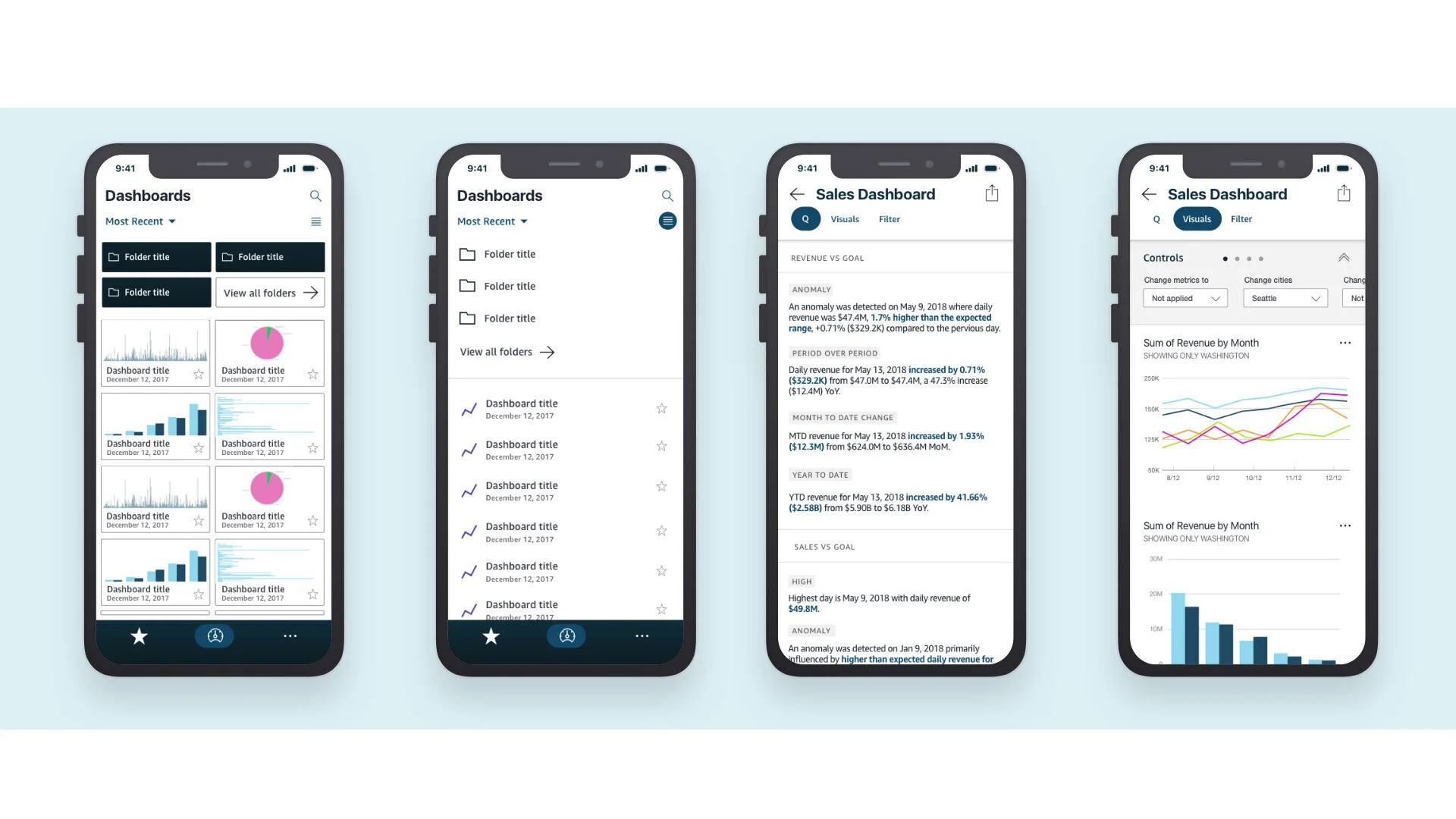
While we didn't reinvent the sitemap, we drastically simplified how users moved through it. I produced detailed user flows to map the "handshake" between the native shell and the webview content, ensuring that deep linking and back-button behaviors felt natural rather than disjointed.
Phase 3: Rigorous Iteration & Validation
The "Sheet Tab" Challenge
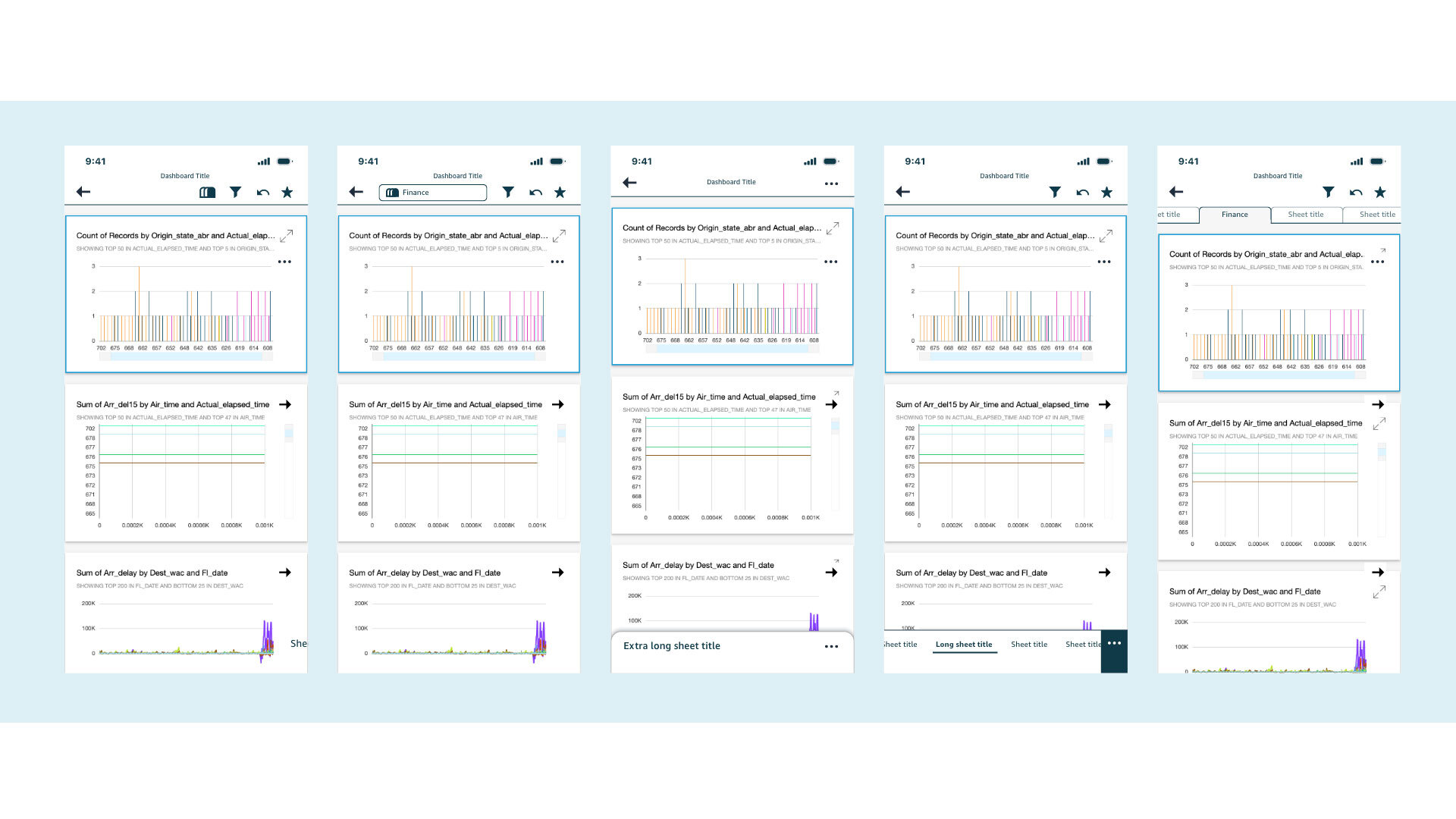
Achieving feature parity with the desktop experience presented a unique interaction hurdle: Sheet Tabs. On the web, users rely on horizontal tabs to switch between data views. On mobile, that horizontal real estate simply doesn't exist. We needed a solution that maintained the user's context without cluttering the limited screen space.
30+ Iterations to a Solution
I treated this specific feature as a micro-design sprint. I generated over 30 distinct interaction models—ranging from scrollable top bars to native bottom sheets—and tested them directly with users.
The Test: We measured "time-to-switch" and error rates to see which pattern was most intuitive.
The Pivot: Early user feedback revealed that standard "hamburger" menus hid the tabs too deeply.
The Solution: We landed on a contextual bottom-sheet pattern that allowed users to switch views with a single tap, preserving the "mental model" of the desktop tabs while respecting mobile ergonomics.
Phase 4: The Solution & Strategic Impact
The Pivot: Designing for "Monitoring Mode"
User data revealed a critical behavioral distinction: while the desktop tool is used for deep exploration, 80% of mobile sessions involved checking the same 3–5 dashboards daily.
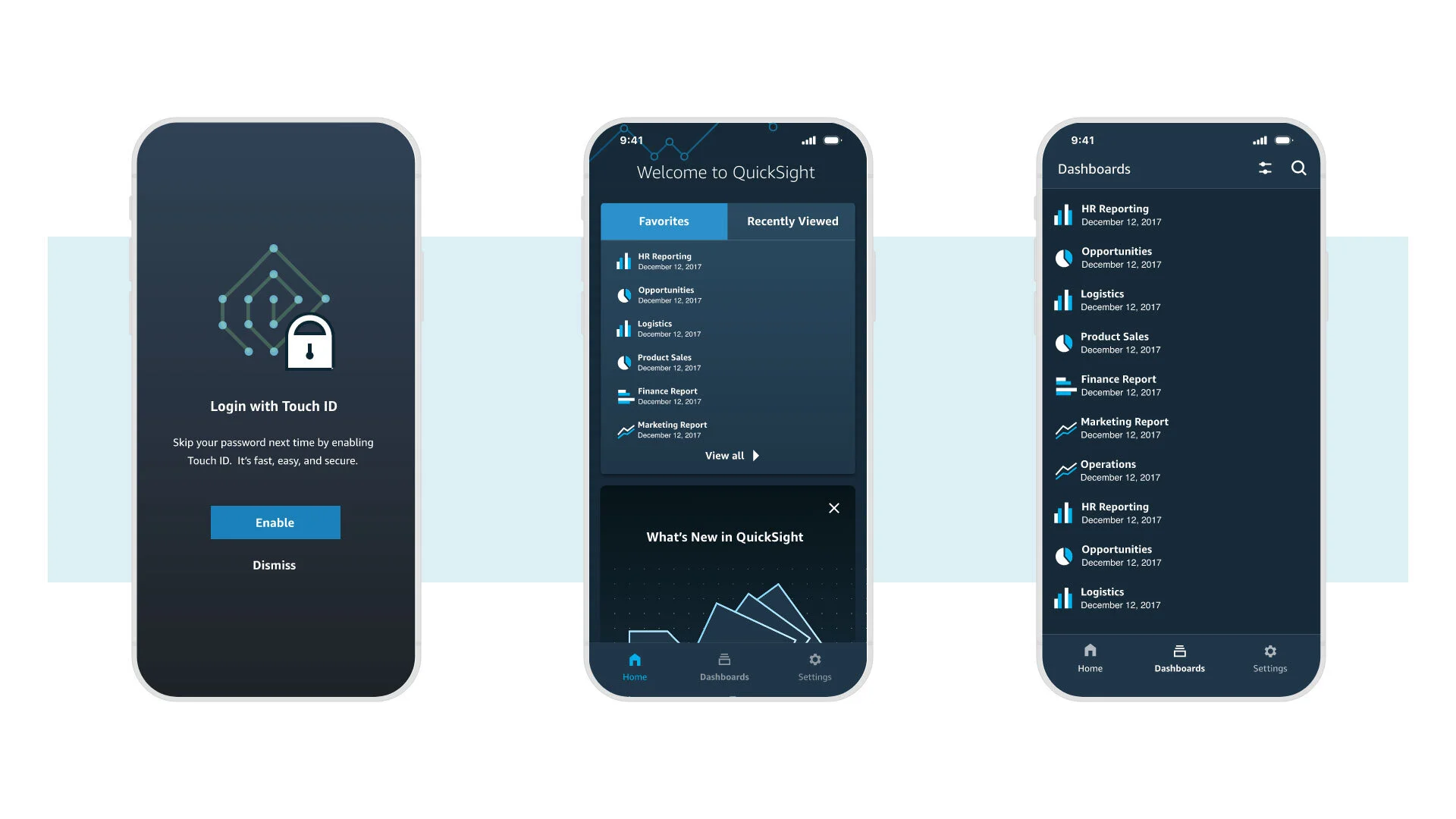
The Shift: I used this insight to pivot the homepage strategy away from a generic file directory to a personalized feed centered on "Favorites" and "Recently Viewed."
The Impact: This dramatically reduced "Time-to-Insight," allowing executives to launch critical KPIs in a single tap and validating our hypothesis that mobile is for monitoring, not authoring.
Engineering the "Invisible Seam"
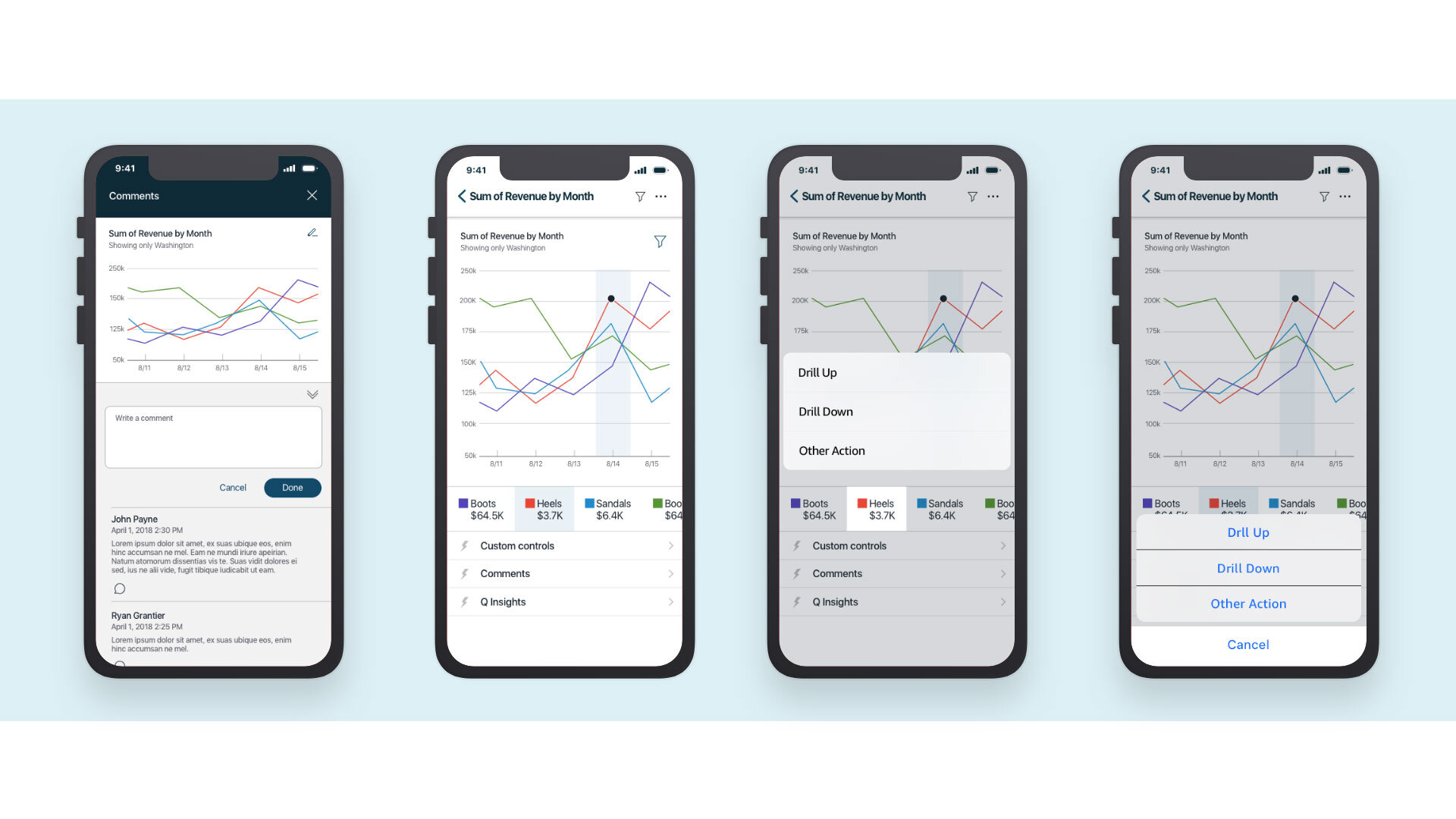
The hardest part of a hybrid app is making web-based charts feel "native." I partnered closely with Engineering to refine touch targets and push the limits of the webview performance.
The Result: We eliminated the "fat finger" frustration common in mobile analytics, delivering a seamless experience where filtering and drilling down felt responsive and precise.
A Scalable Legacy
The redesign delivered a measurable increase in Daily Active Users (DAU) and improved CSAT scores for mobile workflows. More importantly, we delivered a scalable framework. By establishing the 80/20 Design Governance model, we created a system that allowed the product team to introduce new features without breaking the core navigation structure. The app wasn't just "finished"—it was architected to evolve.